Table of Contents
- 1. What LinkedIn is testing
- 2. Why this matters if you grow by commenting
- 3. You are visible too
- 4. What to do now
- 5. Frequently asked questions
- 5.1. What is LinkedIn's Frequent Viewer feature?
- 5.2. Does the tag show how many times someone viewed my profile?
- 5.3. Do you need LinkedIn Premium to see frequent viewers?
- 5.4. How do I avoid showing up as a frequent viewer on someone's profile?
Short on time? LinkedIn confirmed to WIRED in November 2026 that it is testing a Frequent Viewer tag inside "Who viewed your profile" that marks people who keep returning to your page. The tag fires on actual profile visits, not on someone scrolling past your posts, so a frequent viewer is someone deliberately seeking you out. If you grow by commenting, that list is the warmest outreach queue you have, because profile visits are what good comments produce. It cuts the other way too: your own research visits to a prospect's page can now tag you. Check the list before you send this week's invites, and decide on purpose whether your browsing should be visible.
What LinkedIn is testing
The Frequent Viewer tag appears inside the existing "Who viewed your profile" section and marks members who have visited a profile multiple times. WIRED reported the test in November 2026, and LinkedIn confirmed it was running but declined to share anything further. Krista Mollion, founder of the creative agency Unignorable Brands, spotted the tag in October and told WIRED she calls it the "stalker alert."
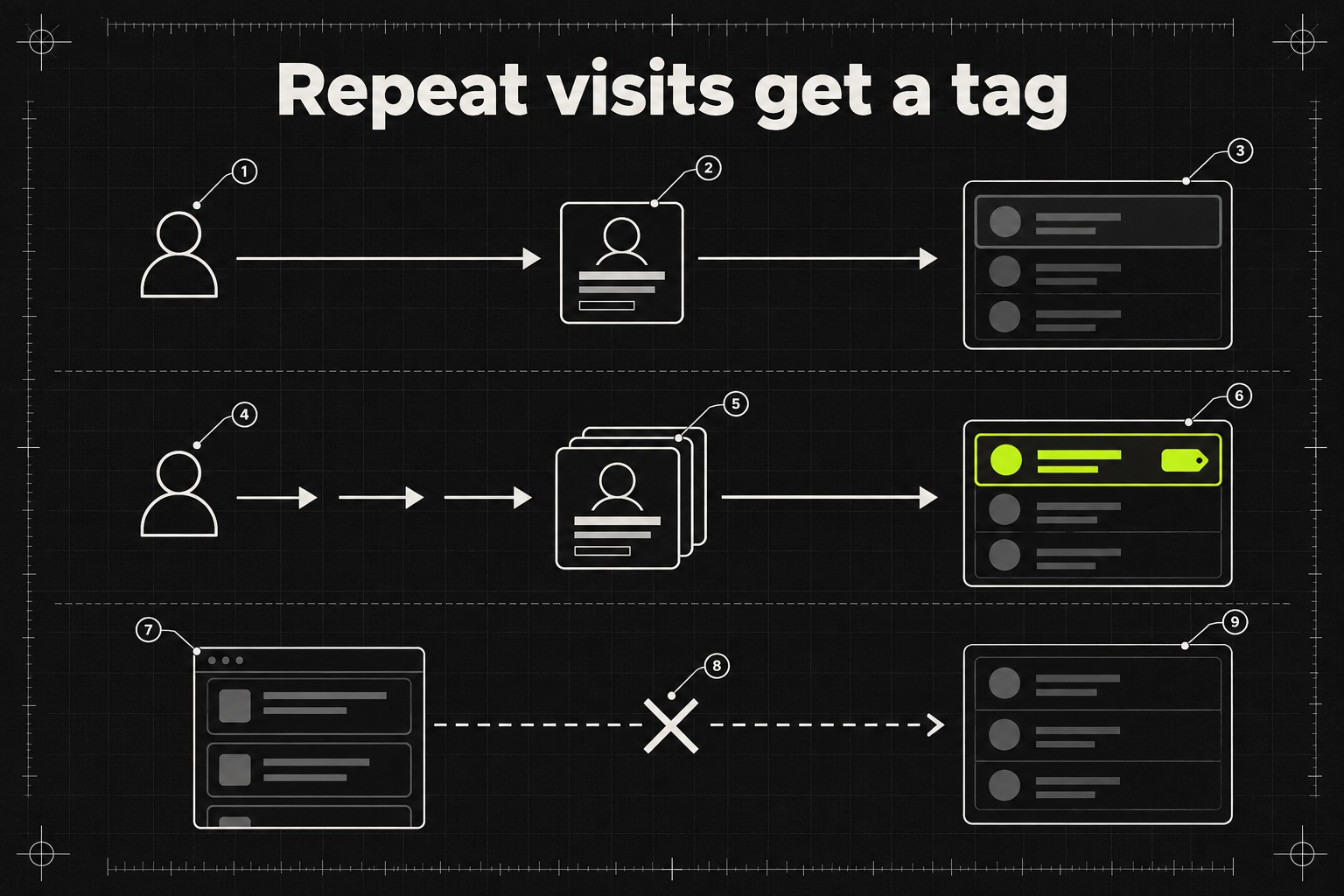
Two mechanical details matter. First, the tag is triggered by profile views specifically. Seeing your posts or comments in the feed, or finding you in search results, does not count; someone has to open your page, repeatedly. Second, the tag does not show a count. MediaPost reported on November 13, 2026 that the feature does not disclose how many times a frequent viewer has visited.
Who gets the feature is less clear, because the coverage disagrees. WIRED describes it as available to certain users with LinkedIn Premium, and Social Media Today's write-up frames it the same way. MediaPost reports that members included in the test do not need a Premium subscription. LinkedIn has not said, so if the tag is not in your viewer list, you cannot conclude anything yet. WIRED notes that Premium already gives you the full list of everyone who viewed your profile over the past year.
Why this matters if you grow by commenting
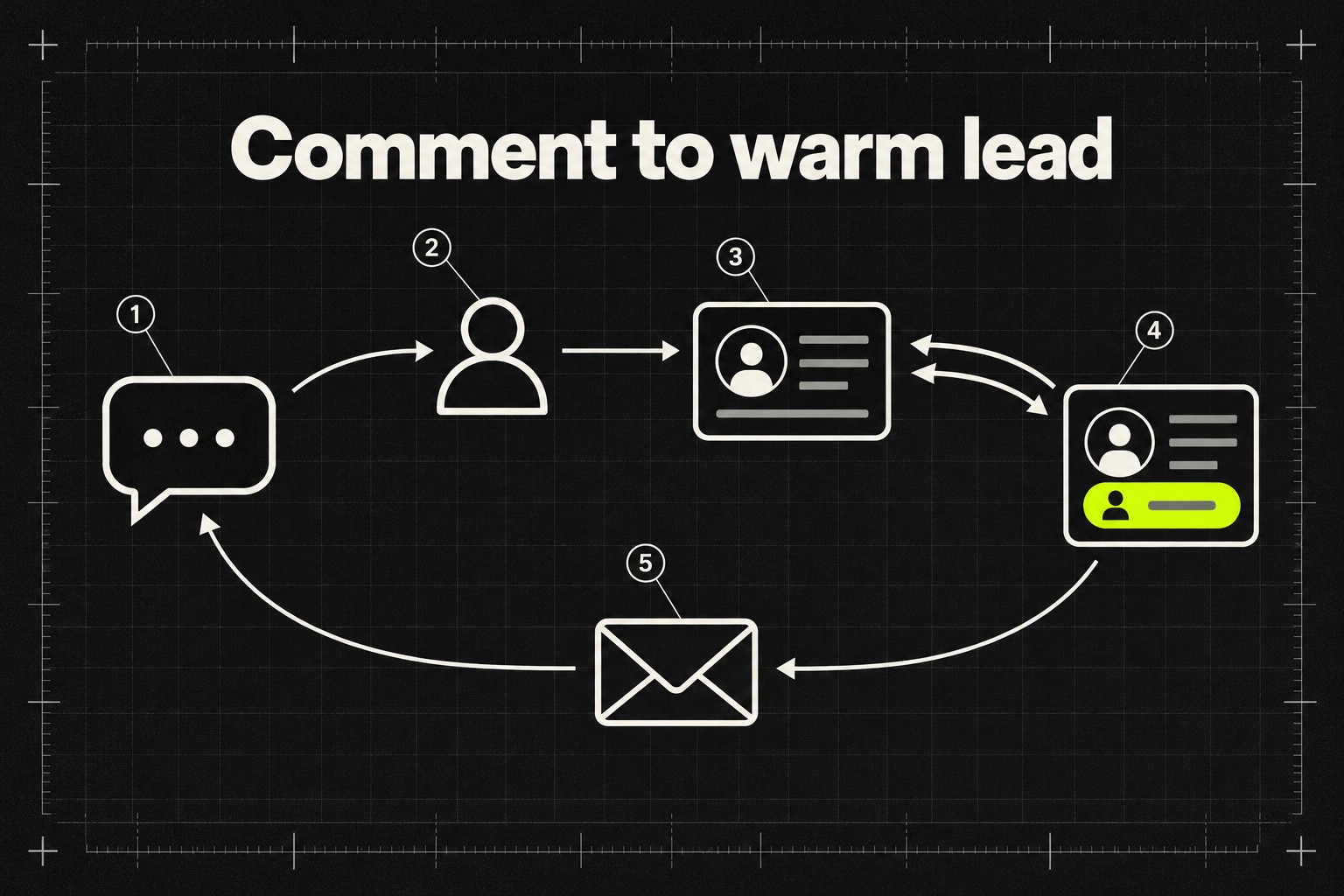
Profile visits are the step between a comment and a follower. When you leave a comment worth reading under someone else's post, the people it lands with click through to your page. That is the whole mechanism behind commenting as a growth strategy, and it is also how strangers end up engaging with your posts at all: LinkedIn's own Profile Relevance system holds a matched post back from non-followers until one unconnected member engages with it.
Until now, that traffic was mostly invisible. Premium showed you a list of viewers, but a single visit tells you little; people click through out of idle curiosity all the time. A repeat visit is different. Someone who comes back to your page is weighing a decision with you in it: hiring you, buying from you, inviting you to something, or pitching you. The tag separates those people from the drive-by traffic.
Mollion's own use of the feature, as she described it to WIRED, is a lead workflow. She runs the names of her frequent viewers through Claude and asks it to sort them into friends, people likely trying to sell her something, and business development leads. She contacts the ones who are not pitching her, and says nine times out of ten it leads to a good conversation. One frequent viewer turned out to be an organiser looking for summit speakers; another was a podcast host checking whether she would fit the show. That is her account of her own results, not a platform statistic, but the logic holds without the numbers: a person who keeps returning to your profile has already qualified themselves.
You are visible too
The same tag that shows you your lurkers shows your prospects theirs. If your prospecting routine includes revisiting a target's profile before you write to them, rereading their about section, checking their recent posts, you are doing exactly what the tag was built to surface. The person you were about to cold-message may now see you listed as a frequent viewer before your message arrives.
Whether that is a problem depends on what you want. A visible repeat visit can work as a soft opening; showing up in someone's viewer list is a nudge that costs nothing and reads as interest. But if you would rather research quietly, LinkedIn's long-standing visibility settings apply to this feature like any other: under Settings, Visibility, then Profile viewing options, you can browse in public mode, semi-private mode, which shows your job title, industry and school but not your name, or fully private mode. The tag can only surface what your viewing mode exposes.
What to do now
- This week: read your viewer list before you write your invites. Anyone tagged as a frequent viewer who is not obviously selling something goes to the top of the outreach pile. A connection request to someone who has visited you twice is warm, and warm requests are what moves your acceptance rate.
- This week: pick your own visibility deliberately. Quiet research means private or semi-private mode. If you are comfortable being seen, a repeat visit is now a signal the other person can read and act on, so use it like one.
- This month: make your profile worth a second visit. The tag only produces leads if the page people return to says plainly what you do and shows proof. The same words also feed LinkedIn's Profile Relevance matching, which reads your headline and summary to decide which posts you are shown.
- Ongoing: keep commenting where strangers are. The viewer list is downstream of the work: if you stop commenting, the visits dry up and the tag has nothing to show you.
Do not message everyone who viewed you once. The tag exists precisely because a single visit is weak evidence, and "I saw you viewed my profile" after one view reads as desperate. And do not rebuild your workflow around a test feature: LinkedIn confirmed it is testing, nothing more, and tests get pulled.
Frequently asked questions
What is LinkedIn's Frequent Viewer feature?
It is a tag LinkedIn is testing, confirmed in November 2026, that appears in the "Who viewed your profile" section and marks members who have visited your profile multiple times. It is triggered by profile visits only, not by your posts or comments appearing in someone's feed or search results.
Does the tag show how many times someone viewed my profile?
No. As of November 2026, MediaPost reports the feature marks someone as a frequent viewer without disclosing the number of visits.
Do you need LinkedIn Premium to see frequent viewers?
Unclear, and the coverage disagrees: WIRED and Social Media Today describe the test as running for certain Premium subscribers, while MediaPost reports test members do not need Premium. LinkedIn has not said who gets it or when it might roll out widely.
How do I avoid showing up as a frequent viewer on someone's profile?
Change your profile viewing mode before you browse: Settings, then Visibility, then Profile viewing options, where you can choose semi-private or fully private mode. The tag is driven by profile visits, so reading someone's posts in your feed does not tag you.
The bottom line: LinkedIn is testing a feature that converts the quietest behaviour on the platform, repeat profile visits, into a visible signal on both sides. If you grow by commenting, your frequent viewers are the people your comments already convinced; write to them first. And before your next research session on a prospect's page, remember that the person on the other side may now see you looking.